

Latest Version
Martin Singer
General
Linux
Free
net.sourceforge.pdfchain
Report a Problem
More About PDF Chain
Imagine you have just scanned a stack of double-sided business documents, only to realize the pages are completely out of order and half of them are upside down. Instead of spending hours rescanning, a dedicated tool like the PDF Chain PDF manipulation tool can resolve this headache in seconds.
What is the PDF Chain PDF Manipulation Tool?
Developed by Martin Singer for the Linux platform, PDF Chain serves as an intuitive graphical user interface (GUI) for the legendary PDF Toolkit (PDFtk). While PDFtk is incredibly powerful, its command-line nature can be intimidating for users who prefer a visual workspace. PDF Chain bridges this gap, offering a comfortable, window-based environment where you can access advanced document editing features without typing a single line of terminal code.
Key Features for Advanced Document Editing
This utility acts as a digital multi-tool for your documents. Whether you need to secure a file or restructure a presentation, its core capabilities make complex tasks straightforward:
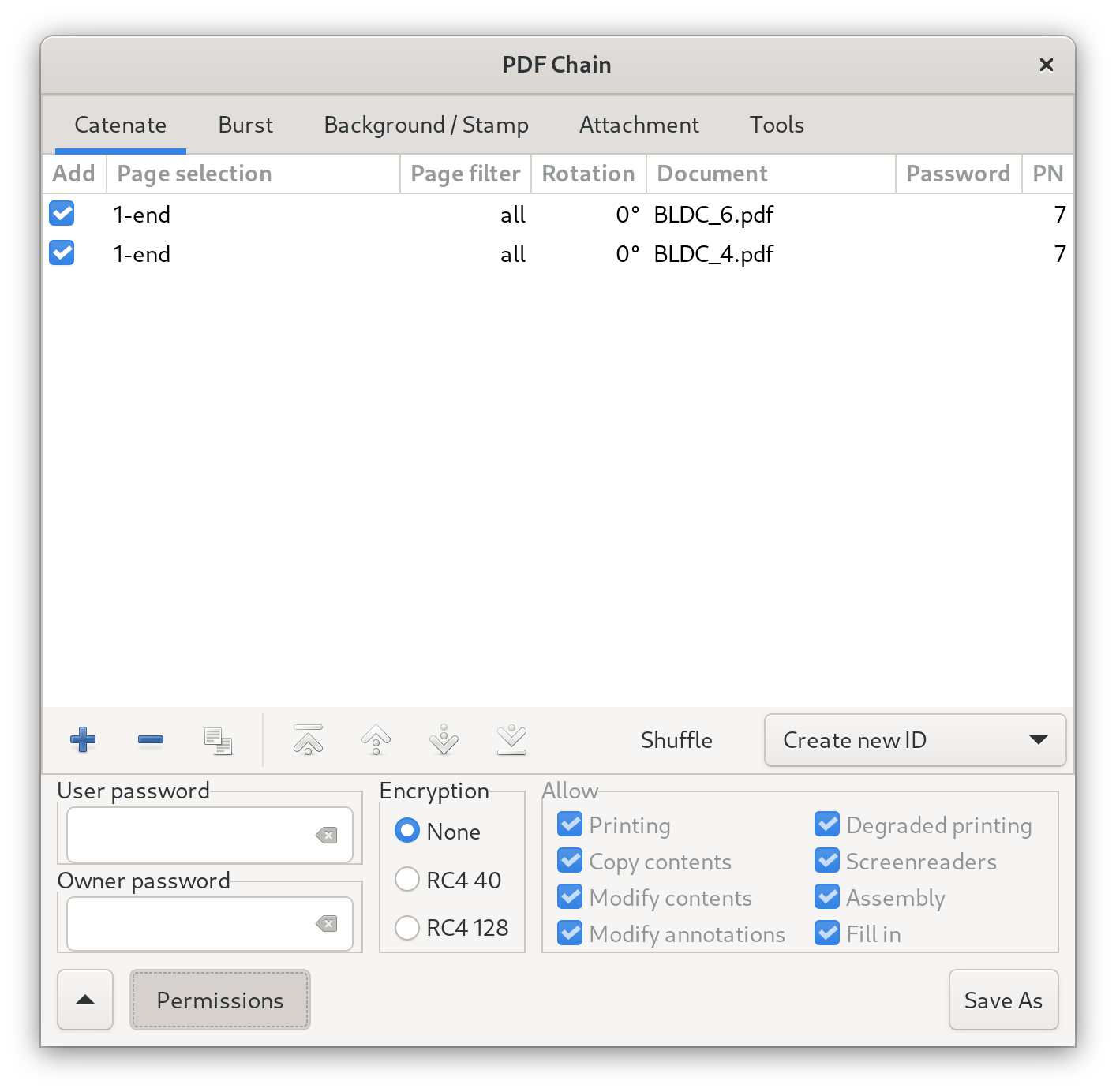
- Document Merging and Splitting: Easily collate individual page scans into a single cohesive document, or split a large PDF into separate files.
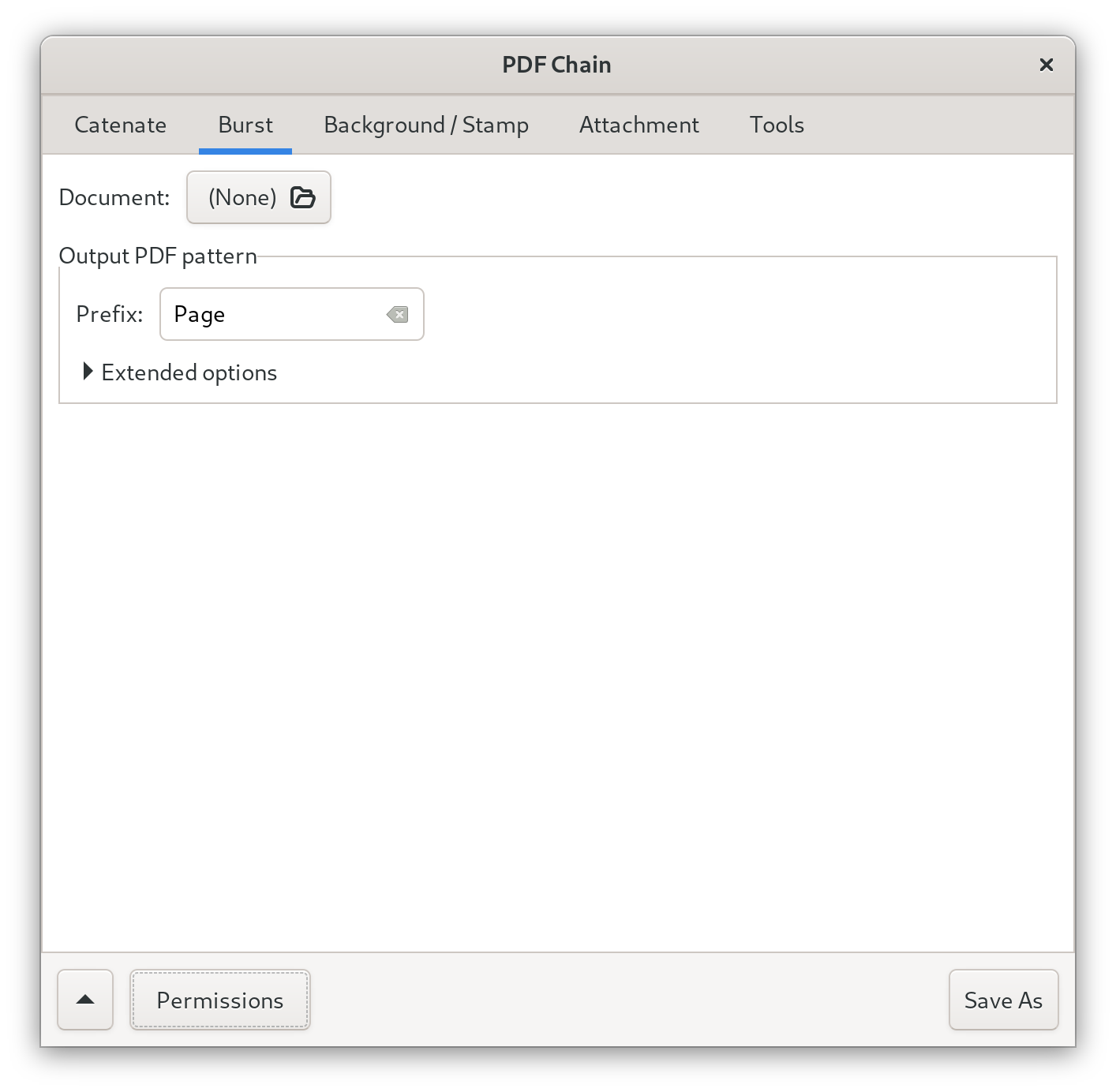
- Rotation and Page Bursting: Correct misaligned pages with precise rotation tools, or burst an entire document into individual, single-page files.
- Security and Decryption: Input passwords to decrypt secured files, allowing you to edit or merge them as needed.
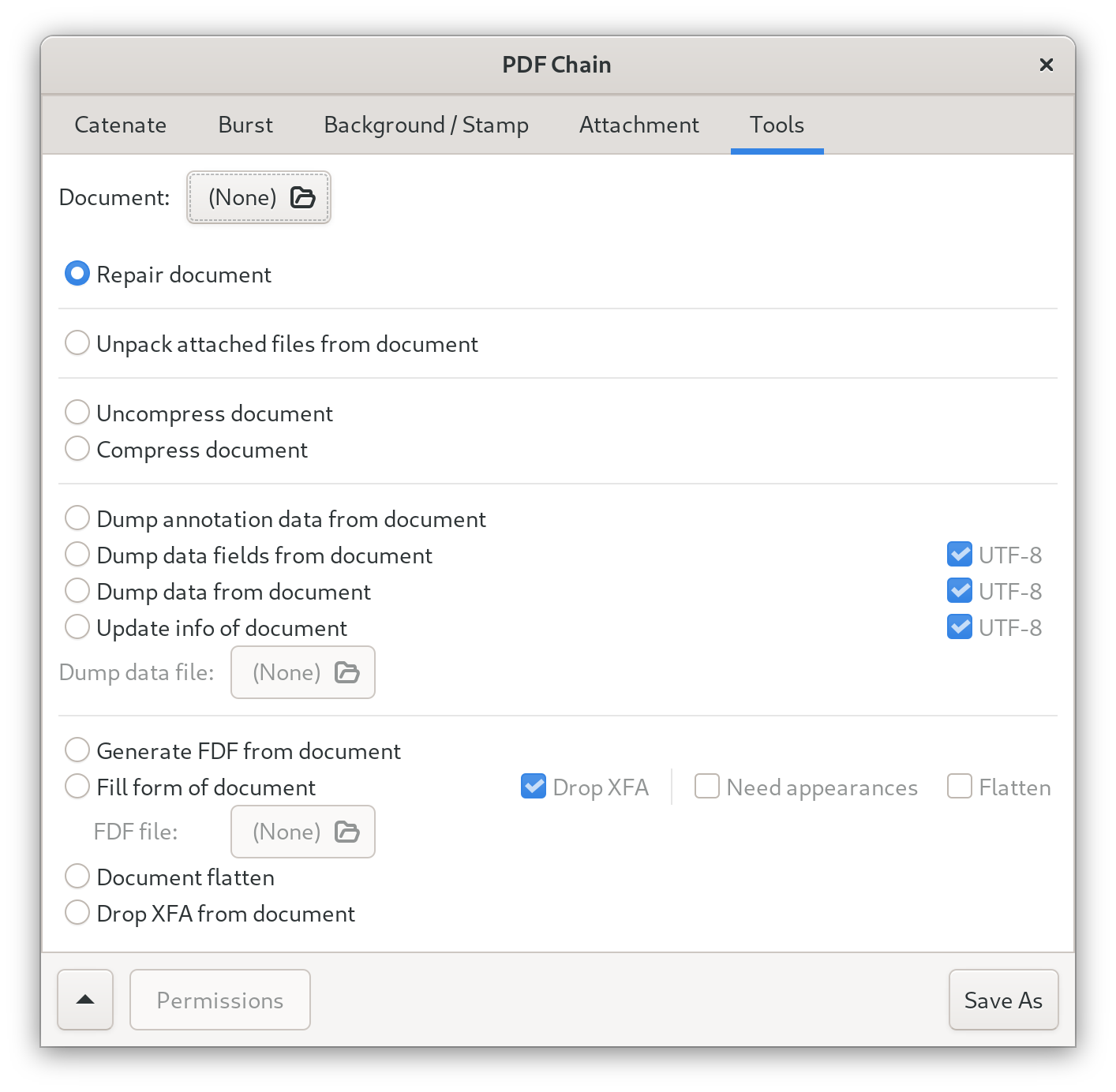
- Form Handling: Fill interactive PDF forms using XFDF/FDF data, flatten form fields to prevent further editing, or generate FDF data stencils.
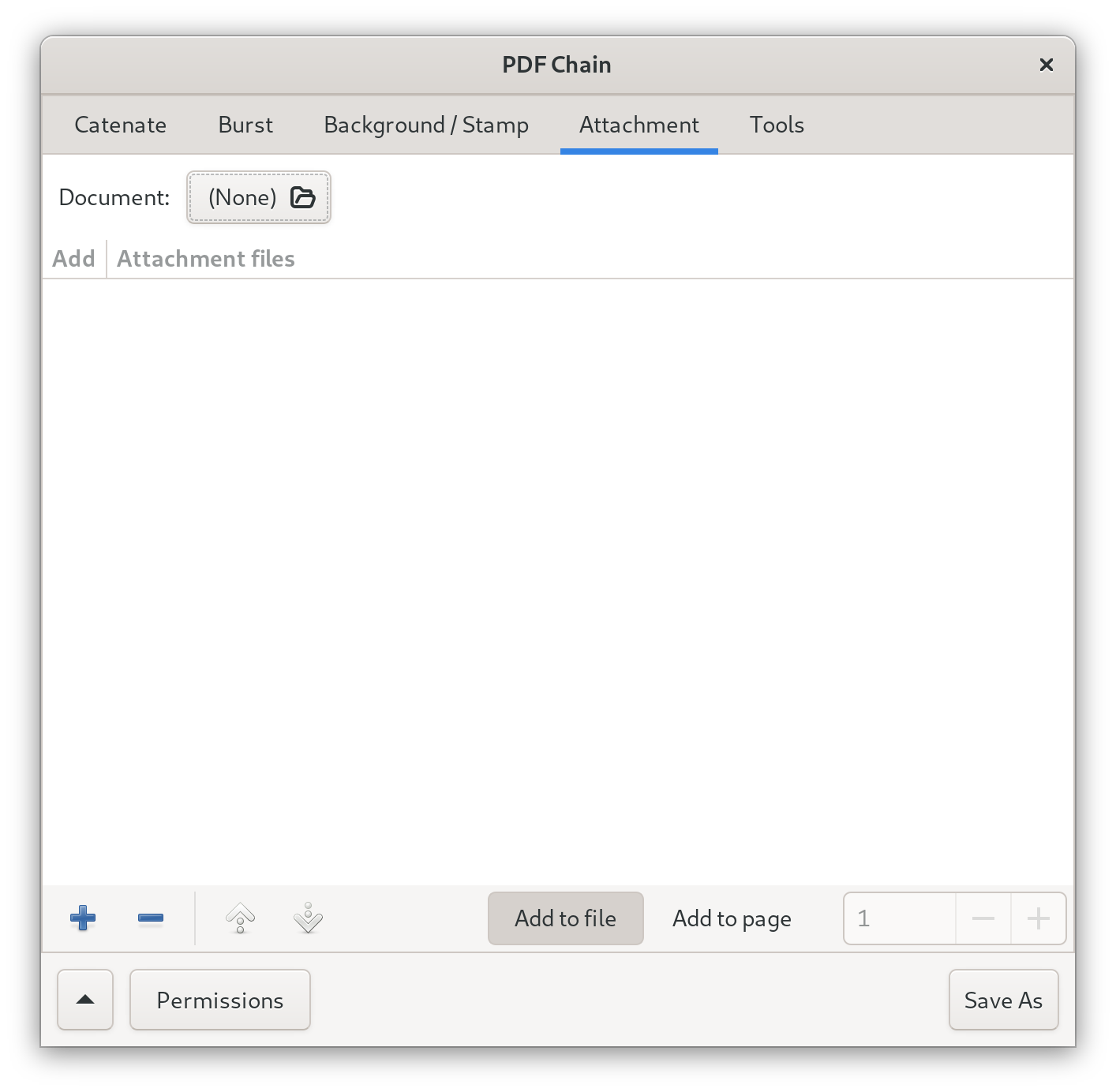
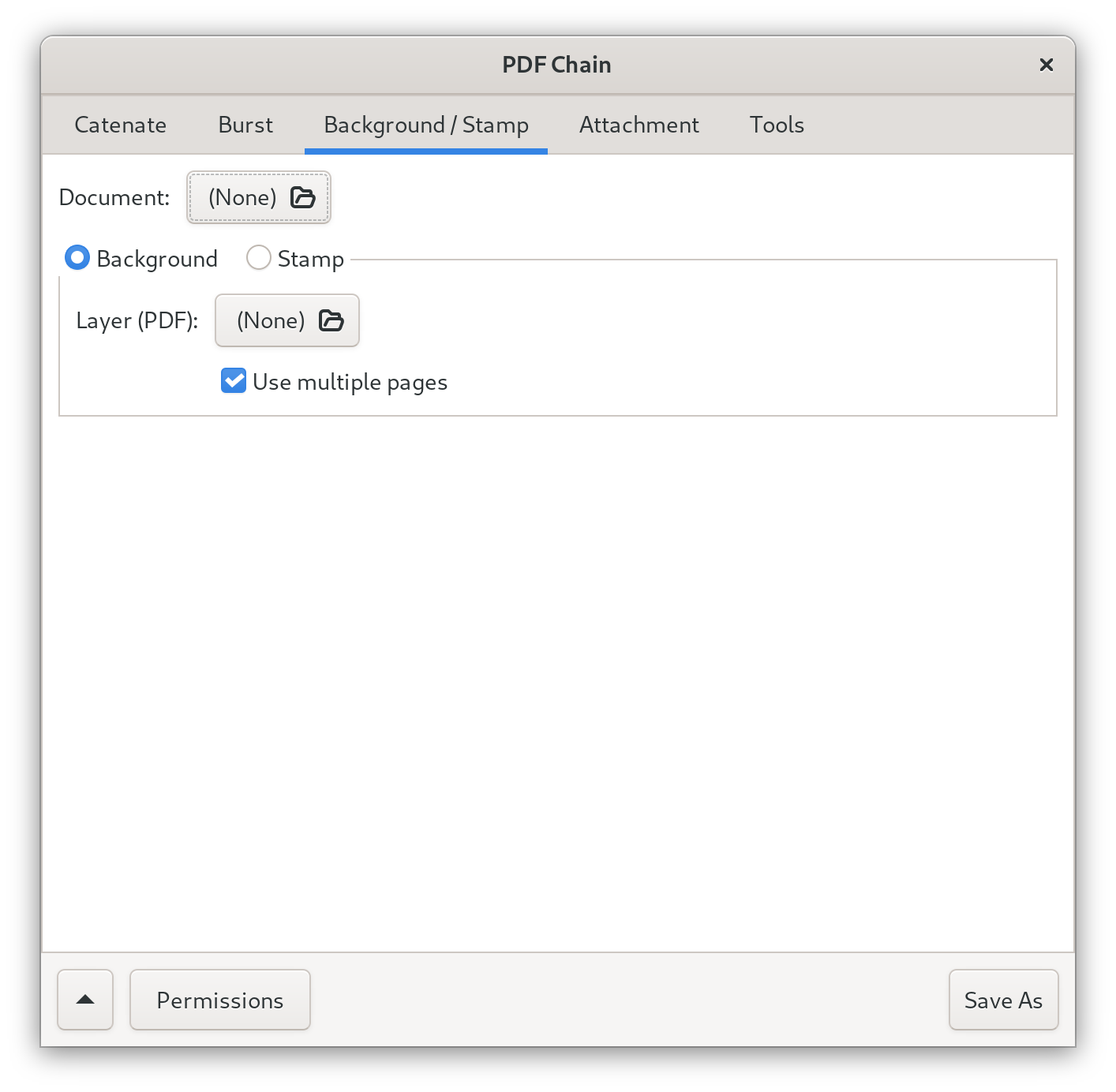
- Watermarks and Attachments: Apply background watermarks or foreground stamps for branding, attach files directly to pages, or unpack existing attachments.
- Metadata Management: Read, update, and repair document metrics, bookmarks, and metadata to keep your files organized.
Who is PDF Chain For?
This software is an ideal match for Linux professionals, office administrators, and home users who regularly handle complex document workflows. If you need the robust power of PDFtk but prefer a visual interface that lets you drag, drop, and click your way through document structures, this application streamlines your daily tasks.
Important Safety and Usage Guidelines
Because the latest version of this software is mature, the developer advises caution when handling files from unknown sources. To maintain system security, the application is configured to restrict file saving to standard system directories like "Downloads" and "Documents," as well as external storage devices such as USB flash drives. Users should stick to processing trusted, local files to ensure a safe and smooth experience.
Our Editorial Verdict
PDF Chain successfully tames the command-line complexity of PDFtk, delivering a highly functional, no-nonsense toolset for Linux users. If you are looking to streamline your document workflow, we highly recommend exploring this application. You can find more information and access the program via its official Flathub store page.
Rate the App
User Reviews










Popular Apps










Editor's Choice